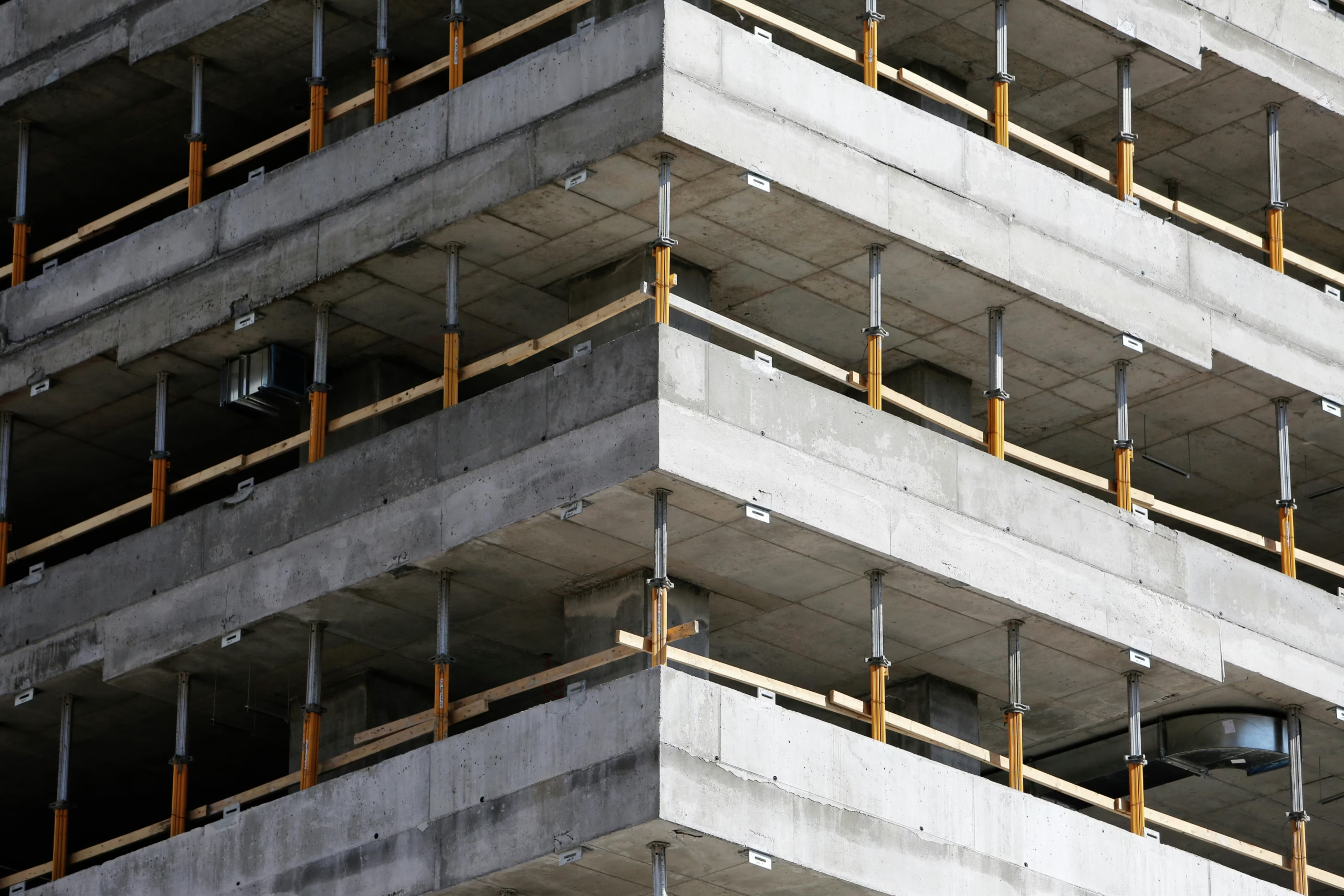
Concrete estimating has long been a cornerstone of construction planning but it’s also been one of the most time-consuming and error-prone tasks. Traditionally, estimators relied on 2D drawings, manual takeoffs, and spreadsheets to calculate volumes, reinforcement, formwork, and labor. While this method works, it’s slow, disconnected from design changes, and vulnerable to costly mistakes.
Enter Building Information Modeling (BIM).
BIM is revolutionizing how concrete estimation is performed. It transforms static drawings into dynamic, data-rich 3D models that integrate geometry, quantities, scheduling, and cost. For concrete estimators, BIM offers a new level of speed, accuracy, and collaboration enabling smarter decisions and more competitive bids.
In this guide, we’ll explore how BIM integration is changing the landscape of concrete estimating, compare traditional vs. BIM-based workflows, and share practical tips for contractors and estimators looking to modernize their approach.
Traditional vs. BIM-Integrated Concrete Estimating
| Feature | Traditional Estimating | BIM-Integrated Estimating |
|---|---|---|
| Quantity Takeoff | Manual from 2D drawings | Automated from 3D models with embedded data |
| Accuracy | Prone to human error and omissions | High accuracy with model-linked quantities |
| Speed | Slow and repetitive | Fast, dynamic, and scalable |
| Change Management | Requires manual updates and rework | Real-time updates with model revisions |
| Coordination | Limited visibility across trades | Integrated with structural, architectural, and MEP models |
| Visualization | Flat drawings and spreadsheets | 3D visual context for slab edges, openings, and pours |
| Cost Forecasting | Static pricing sheets | Linked to cost databases and parametric pricing |
| Scheduling Integration | Separate from project timeline | Linked to 4D scheduling and pour sequencing |
| Clash Detection | Manual review | Automated clash detection with other systems |
| Documentation | Requires separate reports | Auto-generated reports and quantity schedules |
Sources: Autodesk BIM Guide, Concrete Construction Magazine
Key Benefits of BIM for Concrete Estimators
1. Automated Quantity Takeoffs
BIM models contain embedded data for concrete elements such as slabs, walls, footings, and columns. Estimators can extract volumes, surface areas, and reinforcement quantities directly from the model eliminating manual errors and dramatically reducing time spent on takeoffs.
2. Real-Time Change Management
Design changes are inevitable. With BIM, when architects or engineers revise the model, the quantities update automatically. This ensures your estimate reflects the latest design and reduces the risk of outdated pricing or scope gaps.
3. Enhanced Visualization
Estimators can view slab edges, openings, pour breaks, and embedded items in 3D. This improves understanding of the scope, helps identify constructability issues, and facilitates better communication with field teams and clients.
4. Integrated Scheduling (4D BIM)
Concrete quantities can be linked to the construction schedule, enabling estimators to forecast labor needs, plan pour sequences, and align procurement with project milestones. This integration helps avoid delays and improves resource allocation.
5. Clash Detection and Coordination
BIM enables automated clash detection between concrete elements and other systems (e.g., MEP penetrations, embedded conduits). This reduces rework, ensures all embedded items are accounted for, and improves coordination across trades.
6. Linked Cost Databases (5D BIM)
Advanced BIM platforms allow integration with cost databases like RSMeans or custom pricing libraries. Estimators can apply parametric pricing based on volume, formwork complexity, reinforcement density, and location-specific labor rates.
7. Improved Documentation and Reporting
BIM tools can generate auto-updating quantity schedules, material lists, and cost reports. These documents are more accurate, easier to share, and faster to revise improving transparency and client confidence.
BIM-Driven Concrete Estimating Checklist
- Use BIM models to extract slab, wall, footing, and column quantities
- Validate model accuracy and element classification before takeoff
- Link quantities to cost databases for dynamic pricing
- Integrate with scheduling tools for labor and pour planning
- Use 3D views to identify slab edges, openings, and pour breaks
- Coordinate with structural and MEP models for clash detection
- Document assumptions and exclusions within the model environment
- Generate auto-updating quantity schedules and reports
- Collaborate with design teams to resolve scope gaps early
- Format estimates using CSI Division 03 standards
- Include allowances for formwork, curing, and embedded items
- Track revisions and maintain version control of estimates
Real-World Example: BIM-Based Estimating for a Podium Slab
A contractor bidding on a mixed-use development in Orlando:
- Used Revit and Navisworks to extract slab and column quantities
- Linked quantities to a custom cost database for concrete, rebar, and formwork
- Coordinated with MEP model to identify sleeve penetrations and embedded items
- Integrated quantities with the project schedule to plan pour sequences
- Used 3D visualization to identify complex slab edges and drop panels
- Submitted a CSI-formatted estimate with full scope coverage and visual documentation
- Won the bid with zero change orders and improved field coordination
Why BIM Integration Matters for Concrete Estimating
| Outcome | Benefit to Contractors |
|---|---|
| Faster Estimates | Automated takeoffs reduce turnaround time |
| Higher Accuracy | Model-linked quantities eliminate manual errors |
| Better Collaboration | Shared models improve coordination with design and field teams |
| Reduced Risk | Real-time updates and clash detection minimize rework |
| Improved Profit Margins | Accurate forecasting prevents overruns and scope creep |
| More Competitive Bids | Visual documentation and dynamic pricing win client trust |
| Scalable Workflows | BIM supports large, complex projects with multiple revisions |
Common Challenges & How to Overcome Them
1. Model Inaccuracy
Not all BIM models are built with estimating in mind. Estimators must validate element classifications, dimensions, and embedded data before relying on the model.
Solution: Collaborate with design teams early and request estimating-ready models with standardized naming conventions.
2. Software Learning Curve
BIM tools like Revit, Navisworks, and CostX require training and experience.
Solution: Invest in training or partner with BIM-savvy estimating firms to bridge the gap.
3. Integration with Existing Workflows
Many contractors still rely on Excel or legacy estimating software.
Solution: Use BIM tools that export to Excel or integrate with your current systems. Gradual adoption is key.
Final Thoughts
BIM is not just a design tool it’s a strategic advantage for concrete estimators. By integrating BIM into your estimating workflow, you gain speed, accuracy, and insight that traditional methods simply can’t match. Whether you’re bidding on a high-rise core, a podium slab, or a multi-level parking structure, BIM-based estimating helps you deliver smarter bids, reduce risk, and win more work.
At MSB Estimating, we specialize in BIM-integrated concrete estimating from foundations and slabs to podium decks and high-rise cores. Our team delivers CSI-formatted takeoffs, model-based quantity schedules, and cost forecasting tools that help you stay ahead of the curve.
Ready to Upgrade Your Estimating Workflow?
Contact MSB Estimating today to integrate BIM into your concrete estimating process.